

Blog
The Rise of Autonomous AI Agents

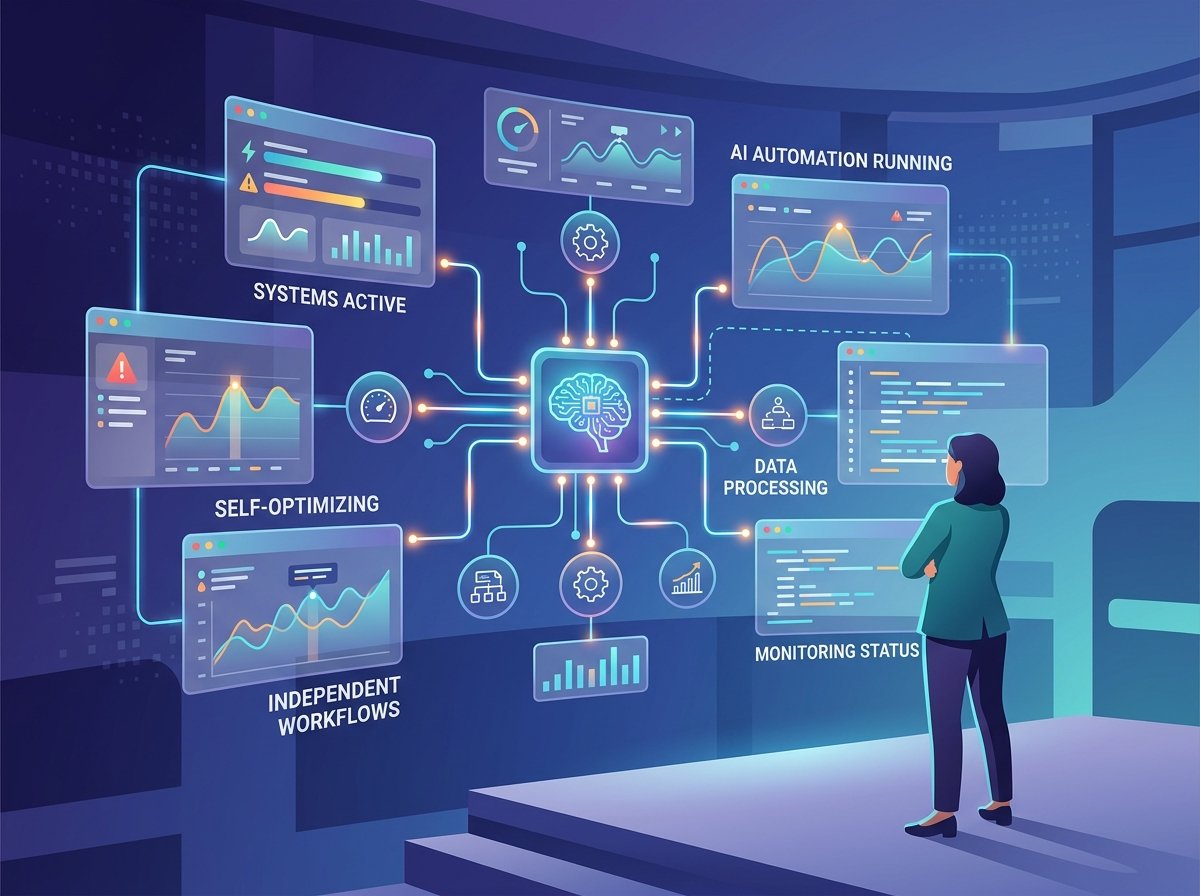
An autonomous AI agent is software that is given a goal instead of an instruction, and then works out the steps itself. It can use tools, check its own results, and try again when something fails. The difference from a chatbot is that a chatbot hands you an answer and an agent hands you a finished task.
What changed to make this possible
Agents are not a new idea. People have been building goal driven software for decades. Three things arrived at roughly the same time and made it work.
Models got good enough at planning to break a vague goal into sensible steps. That sounds small. It is the whole thing.
Tool access became standard. A model that can call a calendar, a database, a payment system, or a browser can act in the world rather than just describe it.
Memory got cheaper and longer. An agent that forgets what it did three steps ago is useless. Larger context windows and proper memory systems fixed that.
The four parts of an agent
Strip away the marketing and almost every agent has the same four pieces.
A goal. Someone tells it what done looks like. Not how to get there.
Tools. The things it is allowed to use. A search function, an email account, a spreadsheet, an internal system.
Memory. A record of what it has already tried, what worked, and what it learned along the way.
A loop. It plans a step, does it, looks at the result, and decides what to do next. It keeps going until the goal is met or it gets stuck.
That loop is the part that makes people nervous, and they are right to be. Software that decides its own next move needs limits.
Where agents already earn their keep
Customer support triage. An agent reads an incoming ticket, pulls the customer’s order history, checks the policy, and either resolves simple cases or routes the rest with a summary attached. Human agents get handed a prepared case instead of a cold one.
Research and monitoring. Give it a topic and it searches, reads, cross checks, and comes back with a summary and sources. Useful for competitor tracking, regulation changes, and market scanning.
Data cleanup. Messy spreadsheets, mismatched records, duplicate customer entries. Slow, tedious, well defined. Ideal agent work.
Coding tasks. An agent takes a bug report, finds the relevant code, writes a fix, runs the tests, and opens a pull request for a human to review. This is one of the most mature uses right now.
Scheduling and coordination. Finding a slot across five calendars in three time zones, booking it, sending the invite, rebooking when someone declines.
The pattern is obvious once you see it. Agents do well on tasks with clear success criteria, plenty of examples, and a low cost of being wrong.
Where they still fail
They fail on tasks with no clear finish line. If nobody can say what done looks like, the agent will loop, or it will invent a definition and confidently deliver the wrong thing.
They fail on judgement calls. Anything involving reading a room, weighing relationships, or making a call that a person would need to defend later.
They fail quietly. This is the dangerous one. A human who is confused asks a question. An agent that is confused often produces something plausible and moves on. You find out three steps later.
They also compound their own mistakes. A wrong assumption at step two gets carried through steps three to nine.
The human in the loop question
The sensible pattern most teams land on is not full autonomy. It is an agent that does 90 percent of the work and stops at a checkpoint for a person to approve.
Where you put the checkpoint depends on the cost of being wrong. Sending an internal summary, low cost, let it run. Issuing a refund, moderate cost, approve above a threshold. Sending a message to a customer under the company’s name, high cost, always review.
Teams that skip this step usually learn the same lesson within a month, and it is an expensive lesson.
How to start without wasting six months
Pick a task that is done weekly, takes over an hour, has a clear definition of finished, and would not cause a crisis if it went wrong once.
Write down the steps a person currently takes. If you cannot write them down, the task is not ready for an agent, and that is a finding worth having on its own.
Build the smallest possible version. Let it run alongside a person doing the same work for two weeks and compare outputs. Then remove the human from the routine cases and keep them on the odd ones.
Log everything. When an agent does something strange, and it will, you need to be able to see what it decided and why.
What is coming next
Agents talking to other agents is the direction of travel, and it is already appearing in early form. One agent handles procurement, another handles supplier communication, and they negotiate routine reorders between them. This is the idea behind agentic commerce.
It will probably work for boring, repeatable transactions well before anyone trusts it with anything complicated. That is usually how these things go.
Frequently asked questions
What is an autonomous AI agent?
Software that is given a goal, then plans and carries out the steps itself using tools, memory, and a repeating cycle of act and check. It finishes tasks rather than just answering questions.
How is an AI agent different from ChatGPT?
A chatbot responds to each message and then waits. An agent keeps working across many steps without being prompted each time, and can take actions in other systems such as sending an email or updating a record.
Are AI agents safe to let run on their own?
For low risk, clearly defined tasks, generally yes. For anything involving money, customer communication, or data deletion, most teams keep a human approval step. Put the checkpoint where the cost of being wrong is highest.
What tasks are AI agents best at right now?
Support ticket triage, research and monitoring, data cleanup, routine coding fixes, and scheduling. All of these have clear success criteria and a low cost of occasional errors.
Do I need developers to build an AI agent?
For a custom agent, yes. For a simple one, no. Automation platforms and agent builders now cover common workflows without code, which is enough for most first attempts.